




Inspiration
How to improve time management in your classroom
In this guide, we’ll explore time management for teachers, from structuring lesson plans to using timers and brain breaks to keep students on track.
product
Use our digital whiteboard and customizable widgets to display expectations, guide behavior, and keep your students focused throughout the day.
Make it yours with Classroomscreen’s customizable backgrounds, themes, and embedded videos. Design a screen that reflects your style and engages your students.
Turn your most common instructions into simple visuals. Choose from icons like Work Together, Ask a Neighbor, Whisper, and Silence to help students quickly understand your expectations.
Personalize each color with your own instructions and use it to signal noise levels, task readiness, or behavior expectations.
Our Sticker sheets offer a quick, visual way to guide transitions and task clarity. Students instantly understand instructions, voice levels and task instructions at a glance.
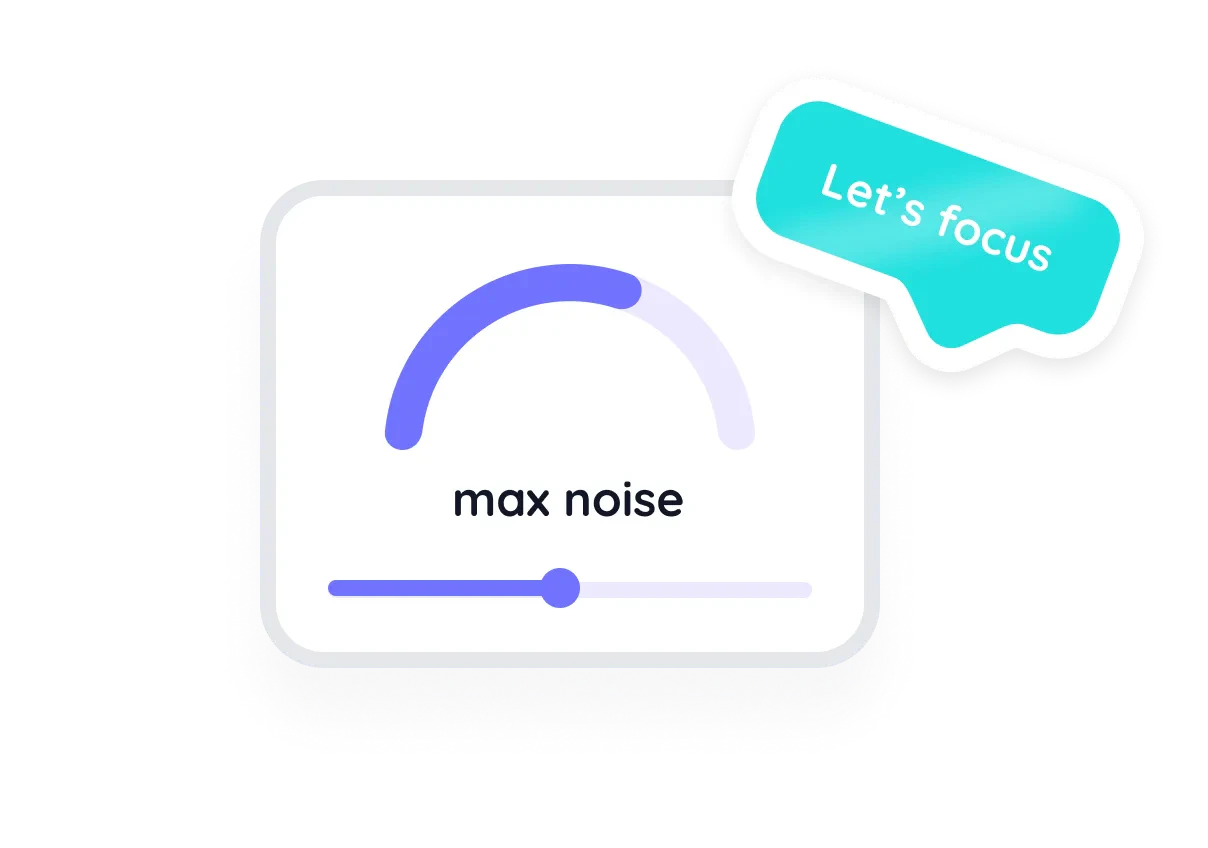
Keep noise under control with a live visual and optional alert. Encourage students to self-monitor and maintain a productive learning environment.
I have been using Classroomscreen for the past month in my second grade classroom and I love it! I love that it is so customizable and I can embed my google slides. It's awesome!
Rachel Cooper
2nd Grade Teacher
Hidden gem
To keep your instructions on every screen within a collection, keep it in place with a Pin. They'll remain in place even when you navigate to another screen.
Classroom management tools help teachers maintain an organized and focused learning environment by supporting time management, student engagement, and behavior monitoring. Classroomscreen is a powerful classroom management tool that provides a variety of features—such as timers, noise level meters, and random name selectors—to assist teachers in keeping students on track.
See what else Classroomscreen is really good at.


